
💳How to Make a Payment
We offer multiple secure and convenient ways to send payments.
Please review the instructions below and choose the method that works best for you.
Option 1: Pay with Zelle

Zelle is a fast, secure, and free way to send money directly between U.S. bank accounts.
⚠️ Note: Zelle payments cannot be reversed once sent.
Always verify the recipient's email before confirming.
Steps to Pay with Zelle
Log in to your bank’s mobile app or online banking portal.
(Most major U.S. banks support Zelle.)Select “Send Money with Zelle.”
Add Recipient:
Name: Genesis Growth Solutions LLC
Email: [email protected]
Enter the payment amount and confirm the details.
Submit the payment. Funds typically arrive within minutes.
Option 2: Pay via Wire Transfer (Navy Federal Credit Union)

For larger or business-related payments, wire transfers are a safe and secure option, as they are traceable.
💡 Processing Time: 1–2 business days.
Wire Transfer Instructions
Bank Name: Navy Federal Credit Union
Routing Number: 256074974
Account Number: Please call for account information
Account Name: Genesis Growth Solutions LLC
Bank Address: Navy Federal Credit Union 820 Follin Lane SE Vienna, VA 22180
Domestic Wire Transfers
Use the above information exactly as listed.
International Wire Transfers
Contact Navy Federal Credit Union at
1-888-842-6328
for SWIFT/BIC code details.
Option 3: Pay with Venmo

Venmo is a quick and easy mobile payment option for personal or small business transfers.
⚠️ Confirm you’re sending to the correct username
before sending funds.
Steps to Pay with Venmo
Open the Venmo App on your phone.
Tap “Pay or Request.”
Search for:
Username: @mysuccessmoves (or use the QR code provided)

Enter the amount and payment note (Name or Business).
Tap Pay.
Option 4: Pay with Cash App

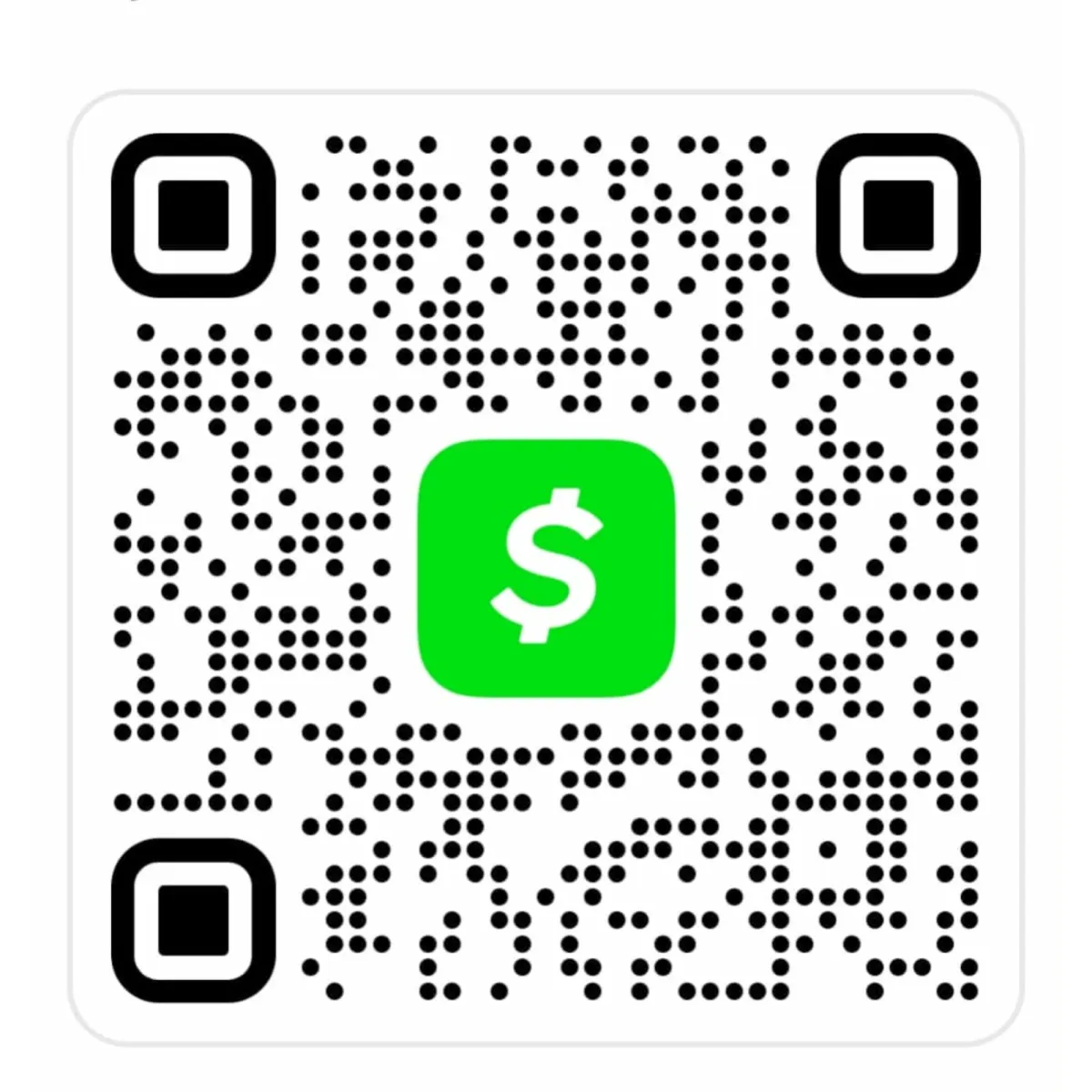
Cash App allows fast transfers using your debit card or linked bank account.
💡 Processing Time: Instant in most cases.
Steps to Pay with Cash App
Open the Cash App on your device.
Tap the “$” icon and enter your payment amount.
Tap “Pay.”
Enter:
Cashtag: $MYSUCCESSMOVES
Payment Note: (Name or Business)
Confirm and send.
🧾 Payment Notes & Confirmation
Always include:
Your name, invoice number, or project name in the payment note or memo.
Processing times:
Zelle: Instant
Venmo: Instant
Cash App: Instant
Wire Transfer: 1–2 business days
Receipt:
A confirmation email or receipt will be sent once your payment is received and verified.